Zentitle2 License User Setup
Below are the typical steps for granting a user access to your license while using the normal online activation method. Customers in air-gapped networks should refer to the Local License Server steps.
Steps for your appointed License Admin
-
Datacor appoints one or more License Admins from your company. They will receive an email from our license provider Nalpeiron (noreply@nalpeiron.io) with a link to set their password and finish their account setup.
-
After completing your account setup, login to the End User Portal (EUP) and navigate to the Users tab: https://datacor.eup.nalpeiron.io/users
-
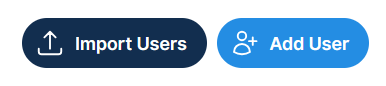
Utilize one of the options in the top-right to add an end-user email address (individually or in bulk). This will send an invitation to the employee's email address to register a login and set a password.
-
Assign the user to whichever Entitlements you want them to have access to.
-
Click on the user in the list.
-
In the section titled Assigned Entitlements click the button for "+Assign Entitlement" on the right.
-
Click the + button next to whichever entitlements you want to give them.
-
Steps for the end-user
-
After being invited by your License Admin you will receive an email from our license provider Nalpeiron (noreply@nalpeiron.io) asking you to set a password. Finish your account setup and save your login credentials using your preferred method.
-
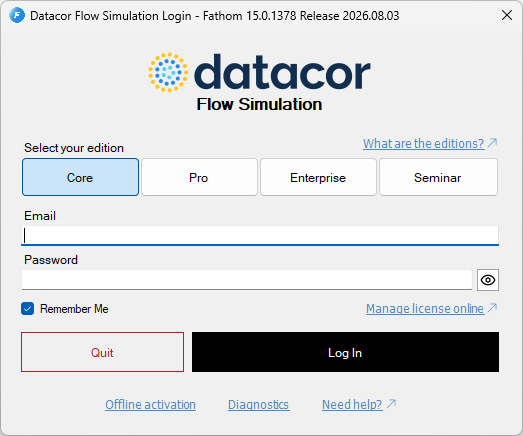
Upon first time launching the app you will be prompted to login with your credentials.
-
Select the appropriate tier (Core, Pro, or Enterprise) which your admin has assigned you to.
-
Login with your email and password.