Pipe Properties Window
Each pipe on the Workspace has associated engineering information. Each pipe requires an ID number, a length, a diameter, a roughness specification, and two connecting junctions. If the pipe is not purely cylindrical, additional geometry information is required.
The Pipe Properties window is used to define all data for a pipe on the workspace. Figure 1 shows an example of a fully defined Pipe Properties window. Individual pipe inputs are described on the corresponding pipe pages linked in the Related Topics section below.
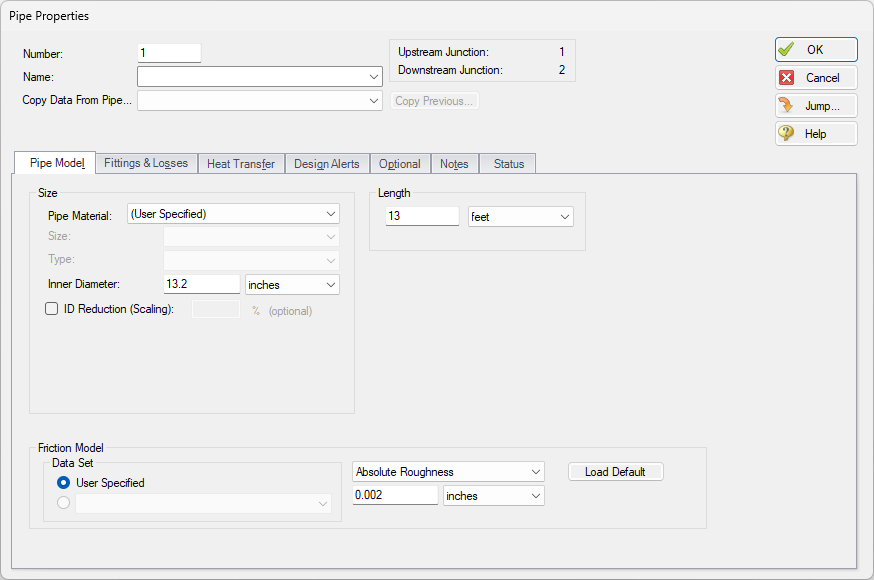
Figure 1: Fully Defined Pipe Properties Window